Local SEO in Bangladesh: How to Rank Your Business on Google
A step-by-step guide to ranking your business on Google Maps in Bangladesh: how local ranking works, Google Business Profile setup and verification, reviews, location pages, citations and the mistakes to avoid.

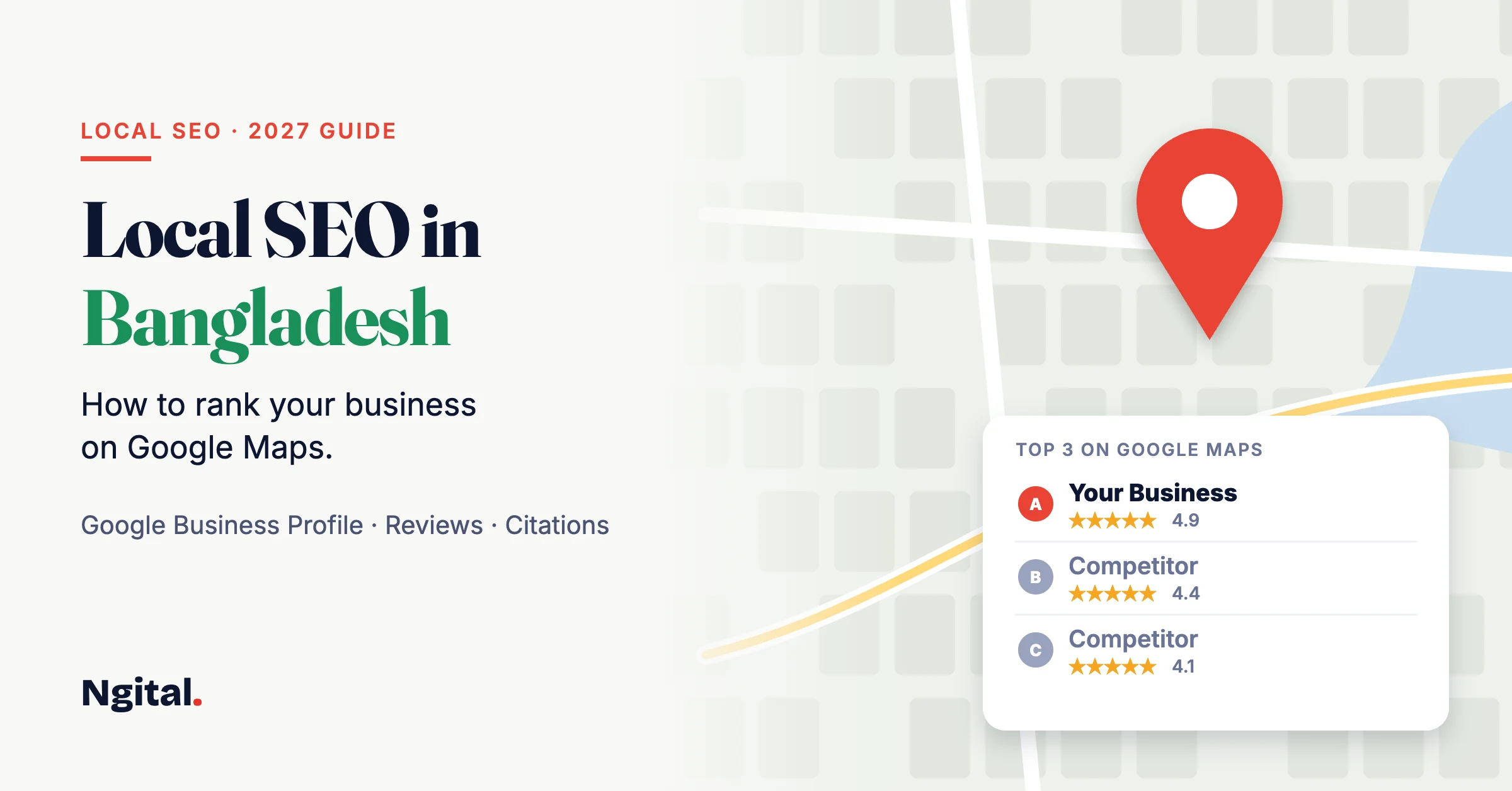
When someone in Dhaka searches “dentist near me”, “best biryani in Old Dhaka” or “AC repair Mirpur”, Google shows a map with three businesses at the top. That map pack is where most local customers click, call or ask for directions. Getting your business into it is what local SEO is about.
This guide explains how Google ranks local businesses, then walks through each step to rank yours in Bangladesh. It covers Google Business Profile, reviews, your website, citations and the mistakes that get local listings suspended. We run SEO for brands across Dhaka and Chattogram at Ngital, and the advice below reflects what works on Bangladeshi searches.
The short answer
- Google ranks local results on three things: relevance, distance and prominence.
- Your Google Business Profile is the foundation. Verify it, choose the right category, and keep your address, phone and hours accurate.
- Reviews matter a lot. More genuine reviews and good ratings improve prominence. Never buy reviews or offer discounts for them.
- Your website must back up your profile with location pages, matching contact details and local content in English and Bangla.
- You can’t pay Google for a better local ranking. Ads can appear above the map, but the organic map results are earned.
What is local SEO?
Local SEO is the work of making your business appear when people nearby search for what you sell. It covers three places on Google:
- The local pack: the map and three business listings that appear on many searches with local intent.
- Google Maps: the results people see when they search inside the Maps app.
- Organic results: the regular blue links, where location pages and local content can rank.
It matters for any business that serves customers in a specific place: clinics, restaurants, salons, schools and coaching centres, real estate offices, showrooms, repair services, law firms and retail stores.
How Google ranks local businesses
Google is unusually open about local ranking. Its Business Profile help page names three factors.
| Factor | What Google means | What you can control |
|---|---|---|
| Relevance | How well your profile matches what the person searched for | Category, services, description, products, website content |
| Distance | How far your business is from the searcher or the place in the search | Accurate address and map pin; one profile per real location |
| Prominence | How well known your business is | Reviews, ratings, links, mentions, press and overall web presence |
Google says prominence is based partly on how many websites link to a business and how many reviews it has. It also says plainly that there is no way to request or pay for a better local ranking.
Distance is the factor you can’t change. A clinic in Uttara will rarely rank for a searcher standing in Dhanmondi, however good its profile is. That is why the rest of this guide focuses on relevance and prominence.
Step 1: Claim and verify your Google Business Profile
Search for your business name on Google Maps. If a listing already exists, claim it. If not, create one at business.google.com.
Google then asks you to verify that you run the business. The options depend on your business type and region. Google recommends video verification where it is offered, and it works for storefronts, service-area businesses and hybrids. Other options can include phone, email, a live video call or a postcard.
Tips for verification in Bangladesh:
- Record the video in one continuous take. Show the signboard outside, the street or a nearby landmark, the inside of the business, and something only an owner or manager can access, such as the cash counter or a stockroom.
- Make sure the signboard shows the same business name you entered.
- If Google offers a postcard, don’t edit your name, address or category while you wait. Google says editing these or requesting a new code cancels the code that is already in the post.
Step 2: Fill in your profile correctly
A complete profile ranks better and converts better. Google’s guidelines for representing your business set the rules. These are the ones Bangladeshi businesses break most often.
Business name
Use your real-world name, exactly as it appears on your signboard and website. Don’t add keywords, locations or phone numbers.
| Wrong | Right |
|---|---|
| Smile Dental Care – Best Dentist in Dhanmondi 01700000000 | Smile Dental Care |
| ABC Fashion – Online Shopping BD | ABC Fashion |
Google also doesn’t allow the same name repeated in two scripts. Choose English or Bangla, based on your signboard, and don’t write both.
Address and map pin
Use your exact address, with house, road, block and area. Then zoom in on the map and drag the pin to your real entrance. In Dhaka, automatic pins are often placed on the wrong side of a road or in the wrong building, which sends customers to the wrong place and weakens your distance signal.
Virtual offices and PO boxes aren’t eligible. A shared office or co-working space qualifies only if it has your signage, is staffed by your team, and receives customers during business hours.
Service-area businesses that visit customers, such as pest control, AC repair or home tutors, should hide their address and set the areas they serve instead.
Category
Your primary category has the biggest effect on relevance. Pick the most specific one that describes what your business is, such as “Dental clinic” rather than “Health”. Add a few secondary categories only if they are genuinely core to your business.
Phone, website and hours
- Use a local number that rings at that branch and that you control. Avoid premium-rate numbers.
- Link to the page on your website that matches the location.
- Set accurate opening hours, including Friday hours and special hours for Eid and public holidays. Wrong hours lead to bad reviews.
Services, products, description and attributes
List every service with a short description. Write a 2 to 3 sentence business description that says what you do, where, and for whom. Add attributes that apply, such as wheelchair access, parking, Wi-Fi or women-led.
Step 3: Add photos and keep the profile active
Google lists adding photos and videos among its tips for local ranking. Customers also judge a business by its pictures before they visit.
- Add a clear logo and a cover photo.
- Show the outside with the signboard, so people recognise the place when they arrive.
- Show the inside, your team at work, and your products or results.
- Add new photos every month, especially after renovations or new launches.
- Post updates and offers on the profile so customers see you are active.
Step 4: Build reviews the right way
Reviews are the most visible part of prominence. Google says more reviews and positive ratings can improve your local ranking, and that responding to reviews shows you value feedback.
How to get more genuine reviews:
- Ask at the right moment: after a successful treatment, delivery or visit.
- Make it easy. Share your review link through WhatsApp or SMS, and put a QR code at the counter or on receipts.
- Ask everyone, not only happy customers. Google doesn’t allow businesses to select only positive reviewers.
- Reply to every review, in the language the customer used. Thank people for good reviews. Answer complaints calmly and offer to fix the problem.
What not to do. Google takes fake and incentivised reviews seriously. A discount, gift or free service in exchange for a review counts as incentivised, even if you don’t ask for five stars. If Google finds violations, it can remove reviews, temporarily stop new reviews, unpublish existing ones, and show a warning on your profile. Buying reviews, or asking staff and relatives to post them, carries the same risk.
Step 5: Make your website support your local rankings
Your Google Business Profile and your website work together. The profile wins map results, and the website supports relevance and prominence and ranks in organic results.
- Match your contact details. Your business name, address and phone number (often called NAP) should be identical on your website, profile and other listings.
- Create a page for each location if you have several branches, such as Gulshan, Dhanmondi and Chattogram. Each page should have its own address, phone, hours, map, photos and directions.
- Write local content in the language people search in. Many Bangladeshi customers search in English, Bangla and Banglish. Use the words they use, such as “dentist in Mirpur” or “মিরপুর ডেন্টাল ক্লিনিক”, on pages written for real readers.
- Embed a Google Map of your location on the contact page.
- Add LocalBusiness structured data (schema) with your name, address, phone, hours and geo-coordinates.
- Make the site fast on mobile. Most local searches in Bangladesh happen on phones, often on slow connections.
For the wider picture, see our complete SEO guide for Bangladeshi businesses.
Step 6: Build local citations and links
A citation is any online mention of your business name, address and phone number. Consistent citations help Google trust that your details are accurate.
Where to list your business in Bangladesh:
- Your Facebook Page, with the same name, address, phone and website.
- Apple Maps, Bing Places and other map platforms.
- Bangladeshi business directories and marketplaces relevant to your category.
- Industry associations and chambers you belong to.
- Booking and review platforms used in your industry, such as food delivery apps for restaurants.
Local links from relevant sites build prominence. Good sources include local news coverage, sponsorship of community events, partner and supplier websites, university or association pages, and genuine guest articles in your industry.
Keep every listing identical. A different phone number or a misspelled area name on one directory creates confusion that can hold back your rankings.
Step 7: Track your results
Measure what matters, not just rankings.
| What to track | Where to find it |
|---|---|
| Profile views, calls, direction requests and website clicks | Google Business Profile performance report |
| Searches that showed your profile | Google Business Profile performance report |
| Website visits from Google Maps and organic search | Google Analytics 4 |
| Rankings in different parts of the city | A local rank-tracking tool, or manual checks from different areas |
| Number of reviews and average rating | Your profile, checked every month |
Rankings change with the searcher’s location, so check from the areas your customers actually search from.
Common local SEO mistakes in Bangladesh
- Stuffing keywords or the area name into the business name.
- Leaving the map pin on the wrong building or road.
- Creating more than one profile for the same location, or creating profiles for virtual offices.
- Using a personal phone number that the business doesn’t control.
- Ignoring reviews, or replying angrily to complaints.
- Offering discounts or gifts in exchange for reviews.
- Letting an agency or former employee own the profile. Make sure the business owner is the primary owner, and add others as managers.
- Forgetting to update hours for Ramadan, Eid and public holidays.
Local SEO checklist
- ✓ Google Business Profile claimed and verified
- ✓ Business name matches the signboard, with no extra keywords
- ✓ Exact address, with the map pin on the real entrance
- ✓ Most specific primary category selected
- ✓ Local phone number and correct location page linked
- ✓ Regular and holiday hours set
- ✓ Services, description and attributes filled in
- ✓ At least 10 recent photos, including the signboard
- ✓ A review request process through WhatsApp, SMS or QR code
- ✓ Every review answered
- ✓ Location pages with matching details and LocalBusiness schema
- ✓ Facebook Page and key directories updated with identical details
- ✓ Performance reviewed every month
Frequently asked questions
What is local SEO in Bangladesh?
Local SEO is the process of helping your business appear in Google Maps and local search results when people nearby search for your products or services. It is mainly done through Google Business Profile, reviews, location pages and consistent business listings.
How long does local SEO take to work?
A new, verified, complete profile can start appearing for some searches within a few weeks. Ranking in the top three for competitive searches, such as dentists or restaurants in Gulshan, usually takes several months of reviews, content and citations.
Is Google Business Profile free?
Yes. Creating, verifying and managing a Google Business Profile is free. Google also says there is no way to pay for a better local ranking.
Do I need a website for local SEO?
You can appear on Google Maps without a website, but a website with a location page makes ranking easier and helps you rank in organic results as well as the map.
Can I rank in an area where I don’t have an office?
Not in the map pack, as a rule. Distance is a core ranking factor, and creating a profile at an address where you have no staffed location breaks Google’s guidelines. Service-area businesses can set the areas they serve, and location pages can help you rank in organic results.
Should my business name be in English or Bangla on Google?
Use the name customers see on your signboard. Google doesn’t allow the same name repeated in two scripts in the name field.
Can I ask customers to leave reviews?
Yes. Asking every customer for honest feedback is allowed. Offering any reward, discount or gift in exchange for a review isn’t.
Get help with local SEO
Ngital helps clinics, restaurants, real estate companies, schools and retailers across Bangladesh rank on Google Maps and local search. Learn more about our SEO services, or write to enquiry@ngital.com for a free local SEO audit.
This guide reflects Google’s published guidelines as of November 2026. Google updates its local search features and policies regularly.
Sources
- Google Business Profile Help: Tips to improve your local ranking on Google
- Google Business Profile Help: Guidelines for representing your business on Google
- Google Business Profile Help: Verify your business with a video recording
- Google Business Profile Help: Verify your business by postcard
- Google Business Profile Help: Business Profile restrictions for policy violations